
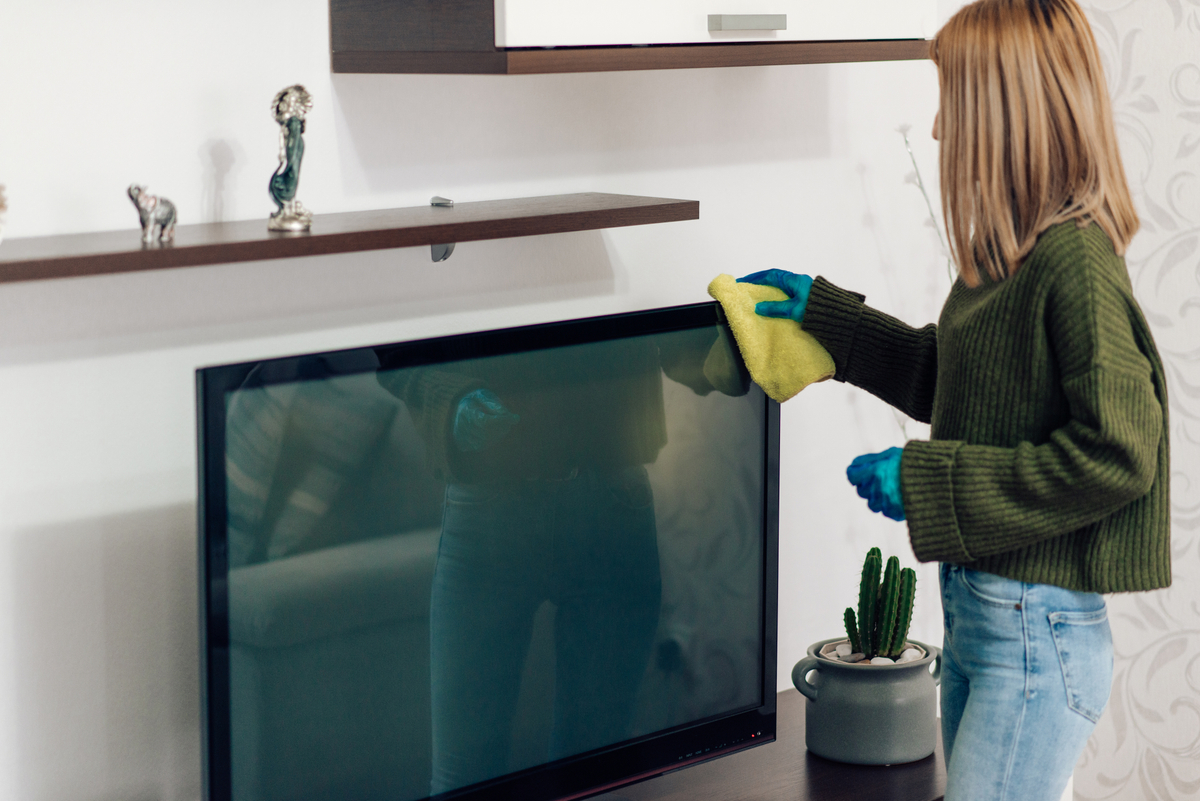
Dust, fingerprints, and mysterious smudges have a way of collecting on our screens. Fortunately, cleaning them doesn't require expensive products or complicated techniques. Whether you're tackling the family television, a computer monitor, or your laptop, a few simple methods can help keep your displays spotless without damaging them.
For more ways to refresh your entertainment space, explore our guide to cleaning your living room.
Screen Cleaning Supplies You'll Need
Most screens require only a few basic supplies:
Clean, soft microfiber cloths
Distilled water, if permitted by the manufacturer
A second dry microfiber cloth
Cotton swabs for accessible exterior edges
Before getting started, always check your device's cleaning instructions.
How to Clean Dust and Smudges on TV Screen
Knowing how to clean TV screen surfaces safely starts with understanding how delicate modern displays can be.
Turn Off the TV and Remove Dust
Turn off and unplug your television. Once the screen has cooled, gently wipe it with a clean, dry microfiber cloth. Avoid applying pressure, which can damage the display.
If dust accumulates frequently, reducing dust buildup throughout your home can help keep screens cleaner between wipe-downs.
Gently Remove Fingerprints and Smudges
For fingerprints that won't come off with dry dusting, check the manufacturer's recommendations. Many televisions can be cleaned with a microfiber cloth lightly dampened with water.
Lightly dampen the cloth, if permitted.
Gently wipe the affected area without pressing.
Remove remaining moisture with a dry cloth.
Never spray water directly onto the screen, and wait until the display is completely dry before turning the television back on.
Handle Stubborn Marks Without Damaging the Screen
Don't scrub stubborn marks or reach for stronger household cleaners. Repeated gentle passes are safer than applying pressure.
Dust can also collect around televisions and ventilation openings. Learn why dust buildup around electronics deserves attention.
How to Clean a Computer Screen
Learning how to clean computer screen surfaces depends partly on the type of display. Some monitors have protective coatings that require special care.
Turn off and unplug the monitor.
Gently remove dust with a dry microfiber cloth.
If permitted, use a slightly damp cloth to remove remaining smudges.
Wipe away moisture and allow the screen to dry completely.
Keep liquids away from ports and ventilation openings.
While you're at it, consider cleaning your other home office electronics. Maintaining a clean, organized desk can also help reduce surrounding clutter and dust.
How to Clean a Laptop Screen
The process for how to clean laptop screen surfaces is similar to cleaning a monitor, but laptops require a few additional precautions.
Shut down the laptop and disconnect its power cable.
Gently wipe the screen with a dry microfiber cloth.
If the manufacturer permits it, use a cloth lightly dampened with water to remove fingerprints.
Allow the screen to dry before closing the laptop.
Avoid excessive moisture near the keyboard and hinges. Some specialty displays require particular cleaning materials, so always consult the manufacturer's instructions.
How to Clean Phone and Tablet Screens
Phones and tablets collect fingerprints throughout the day. Start by turning off and unplugging the device.
Wipe the screen with a clean microfiber cloth. For stubborn marks or disinfection, follow the manufacturer's recommendations. Avoid getting moisture around charging ports and speakers.
Remember to clean removable cases separately. Our guide to cleaning your smartphone and its accessories covers these frequently handled surfaces.
What to Avoid When Cleaning Screens
Even common household cleaning supplies can damage sensitive displays. Unless the manufacturer specifically approves them, avoid:
Paper towels, tissues, and abrasive cloths
Glass cleaners, vinegar, and ammonia
Harsh chemicals and abrasive cleaning products
Spraying liquids directly onto screens
Excessive pressure or scrubbing
When in doubt, stick with a clean, dry microfiber cloth.
Hire The Cleaning Authority for a Cleaner Home
Clean screens are just one part of a comfortable living space. The Cleaning Authority offers professional housecleaning services to help keep your home fresh, and our Detail-Clean Rotation System® provides consistent cleaning with extra attention to specific areas on a rotating basis.
Ready for a cleaner home? Request a free estimate today.